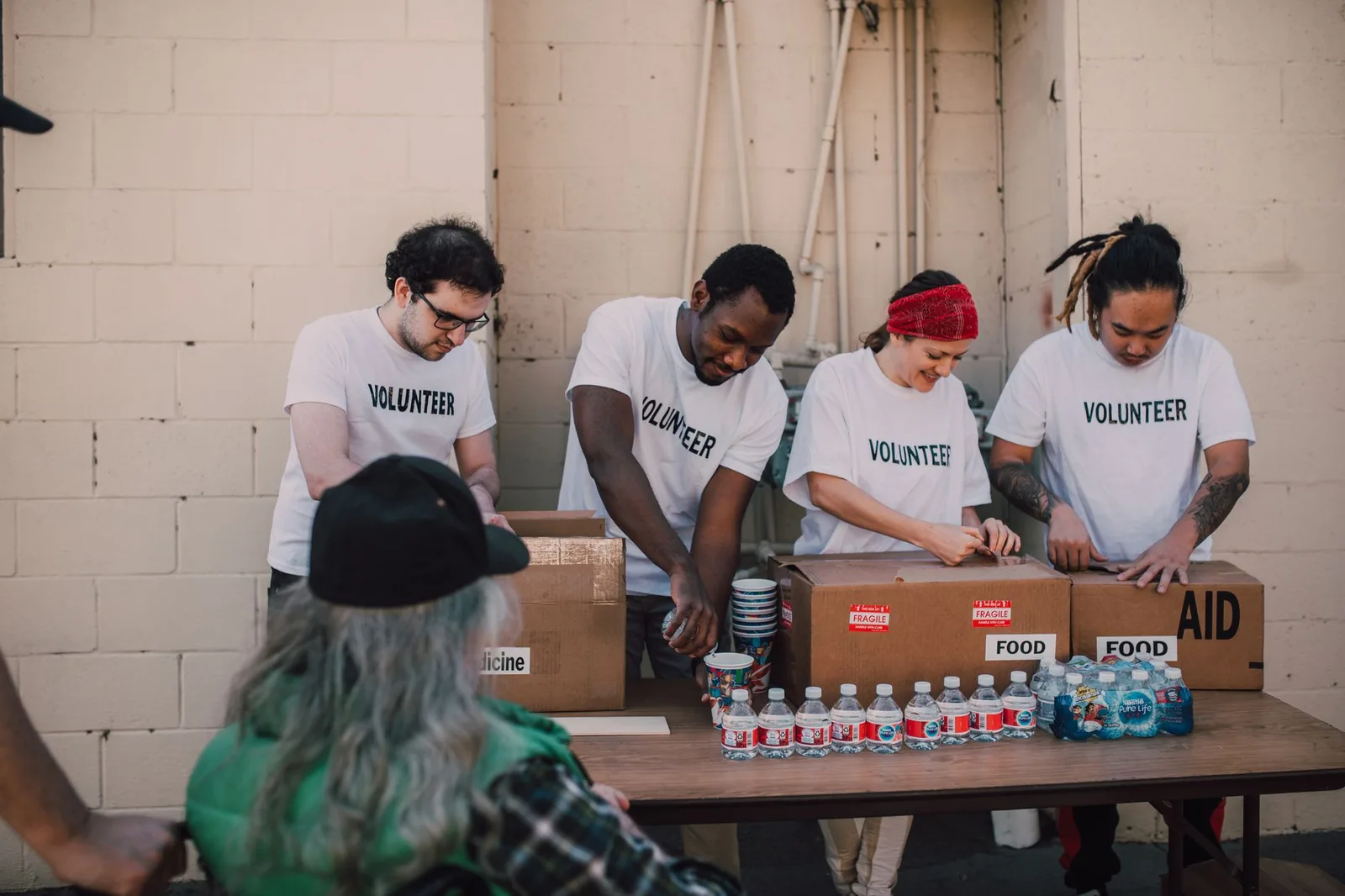
Volunteer Sign-Ups for Events Without Spreadsheet Chaos
By HeartBridge Team · · 7 min read

Key takeaways
- A volunteer sign up event nonprofit process should be simple, mobile-friendly, and centralized.
- Use one master roster so staff do not duplicate edits across spreadsheets and emails.
- Short forms and automatic confirmations save time and reduce no-shows.
- Keep volunteer records after the event so future planning is easier.
- Choose tools that connect volunteer management with the rest of your event and donor workflow.
How do you run volunteer sign-ups without spreadsheet chaos?
If your event volunteer list lives in a spreadsheet, a text thread, and someone’s memory, you are not alone. For a small nonprofit, the goal is not perfection. The goal is a volunteer sign up event nonprofit process that keeps names, shifts, and contact details in one place.
The easiest way to get there is to treat volunteer sign-ups like a mini fundraising workflow: one place to collect interest, one place to confirm assignments, and one place to store the final roster. If you also manage event registration or ticketing, it helps to keep those systems connected instead of asking staff to copy and paste data all week. HeartBridge includes event tools, hosted pages, embeddable widgets, a donor CRM with CSV import, smart emails, and text-to-give, so you can keep event communications and records in one workflow. See the full feature set.
HeartBridge is a fit for nonprofits that want to connect their own Stripe account, avoid per-gift platform fees, and use tools that cover events plus donor follow-up. Review plans or register if you want to test the setup.
What should your volunteer sign-up process include?
Keep the form short enough that someone can finish it on a phone. Ask only for what you truly need before the event, then collect the rest later if necessary.
| Field | Why it matters | Keep it? |
|---|---|---|
| Name | Lets you assign roles and greet volunteers | Yes |
| Needed for confirmations and reminders | Yes | |
| Phone number | Useful for day-of changes | Usually yes |
| Preferred shift | Prevents back-and-forth later | Yes |
| Role interest | Helps match people to tasks | Yes |
| Notes or accessibility needs | Helps you support volunteers well | Optional, but helpful |
If you are collecting event registrations too, separate volunteer questions from attendee questions so people do not abandon the form. A clean structure matters more than a long list of fields.
How do you stop double-booking and missed shifts?
The simplest fix is to use one master roster and update it the same day someone signs up. Do not leave assignments sitting in a draft version of the spreadsheet while a second person is also editing it.
Use a clear status system. For example: interested, confirmed, and completed. That lets you see who still needs a reply, who is locked in, and who already showed up.
- Assign one person to own the roster.
- Use one naming convention for shifts, such as setup, check-in, and teardown.
- Send an automatic confirmation after each sign-up.
- Send a reminder before the event with time, location, and who to contact.
- Keep a backup list of volunteers who can fill last-minute gaps.
HeartBridge’s smart emails and donor CRM can help you keep these updates organized, and the same platform can support event pages, recurring giving, campaigns, peer-to-peer fundraising, ticketed events, volunteer management, sponsorships, and more. If you are comparing systems, this switch page can help you think through a move without rebuilding everything from scratch.
What does a good volunteer sign-up page look like?
A good page answers three questions fast: what the event is, what volunteers will do, and how they will hear back. That means short copy, clear shift options, and a visible next step after submission.
Use plain language like “Help at check-in” or “Set up tables” instead of internal team jargon. If you have multiple event days, show them separately so volunteers can choose the right slot.
Also make sure the page works on mobile. Many volunteers will sign up from an email, a text, or a social post, not a desktop computer.
If you want a faster path, you can build a hosted page or embed a widget on your existing site. That keeps the volunteer sign up event nonprofit experience tied to your own brand instead of sending people through a patchwork of links. For event-heavy organizations, the page can also sit alongside your other fundraising tools, including ticketed events and sponsorships. Explore the tools.
How should you follow up after someone signs up?
Follow-up is where many volunteer systems break. A sign-up is not the finish line, it is the start of the relationship.
Send a confirmation right away, then send one reminder a few days before the event. If the role requires training, include a short checklist or a link to instructions. If the role is simple, keep the message brief and practical.
Good follow-up does three things: confirms the shift, reduces no-shows, and makes volunteers feel expected.
For small teams, this is where automation helps. One confirmation email and one reminder email can save hours of manual follow-up, especially when your event has multiple shifts or rotating roles.
Do this this week
- List every volunteer role for your next event and group them into a small number of shift types.
- Choose one master system for names, emails, phone numbers, and shift assignments.
- Trim your sign-up form so it only asks for what you need before event day.
- Write one confirmation email and one reminder email now, before sign-ups start.
- Decide who owns volunteer updates so no one else edits the roster at random.
What should you do with the data after the event?
Do not let the volunteer list disappear after teardown. Save it, export it, and use it for future event planning, thank-yous, and follow-up asks where appropriate.
If you are moving away from a spreadsheet, make sure you can export your records cleanly. That matters for future events, for internal reporting, and for continuity if staff or volunteers change. If you are already thinking about migration or cleanup, this export guide can help you plan the transition.
For nonprofits that want a broader event and fundraising setup, HeartBridge also supports donor CRM records with CSV import, smart emails, hosted pages, and an embeddable widget. If your team is rebuilding after a platform change, this rescue page may be useful as a starting point.
How does this connect to your broader fundraising workflow?
Volunteer management works best when it is not isolated from the rest of your fundraising operations. The same people who volunteer at an event may later attend, donate, sponsor, or join a recurring giving program.
That is why it helps to keep your event tools, donor records, and email follow-up in one place. It reduces duplicate entry and gives your team a clearer picture of who is involved. If you are comparing options, you may also want to read The Total Cost of a $150/Month Platform for a $50k Nonprofit and Warning Signs of Platform Lock-In for Small Nonprofits.
FAQ
What is the best way to collect volunteer sign-ups for a nonprofit event?
Use one simple form with the basics, then send an automatic confirmation. Keep the form short, mobile-friendly, and tied to one master roster so you do not have to reconcile multiple versions later.
Should volunteer sign-ups live in a spreadsheet?
A spreadsheet can work for very small events, but it becomes harder to manage when multiple people need updates. A form plus a shared system is usually easier to maintain because it reduces copy-and-paste errors.
How many fields should a volunteer sign-up form have?
Only enough to assign the volunteer and contact them. Name, email, phone number, shift preference, and role interest are usually enough to start.
How do I reduce no-shows?
Send a confirmation right away, then send a reminder before the event with the time, location, and role details. Clear expectations reduce confusion and last-minute drop-offs.
Can I use the same system for volunteers and event attendees?
Yes, as long as the forms stay separate and the records are easy to sort. That helps you avoid mixing volunteer assignments with ticketing or registration details.
What should I do with volunteer records after the event?
Keep them for future planning, stewardship, and reporting. If you plan to change systems, export the records first so you do not lose contact history or shift notes.
What are the main takeaways?
- A volunteer sign up event nonprofit process should be simple, mobile-friendly, and centralized.
- Use one master roster so staff do not duplicate edits across spreadsheets and emails.
- Short forms and automatic confirmations save time and reduce no-shows.
- Keep volunteer records after the event so future planning is easier.
- Choose tools that connect volunteer management with the rest of your event and donor workflow.
Sources
HeartBridge note: each nonprofit connects its own Stripe account, HeartBridge is never merchant of record, and there is no per-gift platform fee. Stripe’s standard 2.9% + $0.30 applies to each transaction.
Frequently asked questions
Sources
Start free on HeartBridge
No credit card required. Run your fundraising on your own Stripe account, with AI built in.
Start free on HeartBridge